Food Hygiene
 Health & Safety
 Safeguarding
 First Aid
 Business Skills
 Personal Development



Course Curriculum
| Capstone Project | |||
| Q1 – Find the active Branches List | 00:02:00 | ||
| Q2 – Fetching the Basic Product Details from the table | 00:02:00 | ||
| Q3 – Recent Customer Signups | 00:03:00 | ||
| Q4 – Orders Overview | 00:01:00 | ||
| Q5 – Unresolved Customer Support Tickets | 00:03:00 | ||
| Q6 – Fetching Customers Orders info using Joins | 00:04:00 | ||
| Q7 – Total Revenue made | 00:03:00 | ||
| Q8 – Average Response Time to Customers | 00:04:00 | ||
| Q9 – Active Employee Count for Departments | 00:03:00 | ||
| Q10 – Expired Products from Inventory | 00:04:00 | ||
| Q11 – Campaigns by Channel | 00:01:00 | ||
| Q12 – Active Assets Deployed in Branches | 00:04:00 | ||
| Q13 – Top 5 Products by their revenue | 00:06:00 | ||
| Q14 – Asset Depreciation Calculation | 00:07:00 | ||
| Q15 – High Cost Employees by Department | 00:05:00 | ||
| Q16 – Return of Investment on Branches | 00:10:00 | ||
| Q17 – Delivery Type Performance | 00:07:00 | ||
| Q18 – Customer Order Frequency | 00:04:00 | ||
| Q19 – Top 3 products per category | 00:03:00 | ||
| Q20 – Inventory Expiry Tracker | 00:04:00 | ||
| Q21 – Campaign Spend Efficiency | 00:05:00 | ||
| Section 1 - Introduction to SQL | |||
| 1 – Introduction to SQL Language | 00:03:00 | ||
| 2 – Understanding the SQL Language | 00:04:00 | ||
| 3 – Writing our First SQL Query | 00:03:00 | ||
| Section 2 - SQL foundations | |||
| 4 – Introduction to Databases | 00:03:00 | ||
| 5 – Types of Databases | 00:05:00 | ||
| 6 – SQL vs MYSQL Updated | 00:05:00 | ||
| 7 – Spreadhsheets Vs Database | 00:05:00 | ||
| 8 – Understanding Relational Database | 00:06:00 | ||
| Section 3 - Data Types in SQL | |||
| 9 – Project Introduction | 00:02:00 | ||
| 10 – Data Types and INT | 00:05:00 | ||
| 11 – BIG INT | 00:03:00 | ||
| 12 – TINYINT | 00:03:00 | ||
| 13 – DECIMAL | 00:03:00 | ||
| 14 – FLOAT and DOUBLE | 00:02:00 | ||
| 15 – BIT and BOOLEAN | 00:02:00 | ||
| 16 – CHAR | 00:03:00 | ||
| 17 – VARCHAR | 00:02:00 | ||
| 18 – TEXT | 00:01:00 | ||
| 19 – ENUM | 00:02:00 | ||
| 20 – DATE and TIME | 00:02:00 | ||
| 21 – DATETIME | 00:01:00 | ||
| 22 – TIMESTAMP | 00:01:00 | ||
| 23 – YEAR | 00:01:00 | ||
| 24 – BLOB | 00:03:00 | ||
| 25 – JSON | 00:02:00 | ||
| Section 4 - Understanding Schema and creating Schema | |||
| 26 – Why we need Database Schema | 00:05:00 | ||
| 27 – Types of Schema | 00:01:00 | ||
| 28 – STAR Schema | 00:04:00 | ||
| 29 – Installing Server and Workbench Installation for Mac | 00:04:00 | ||
| 31 – Creating our First Database Schema | 00:04:00 | ||
| 32 – Introduction to Snowflake Schema | 00:02:00 | ||
| 33 – Creating a Snowflake Schema Database | 00:04:00 | ||
| Section 5 - Keys and Relationships | |||
| 34 – Primary Key | 00:03:00 | ||
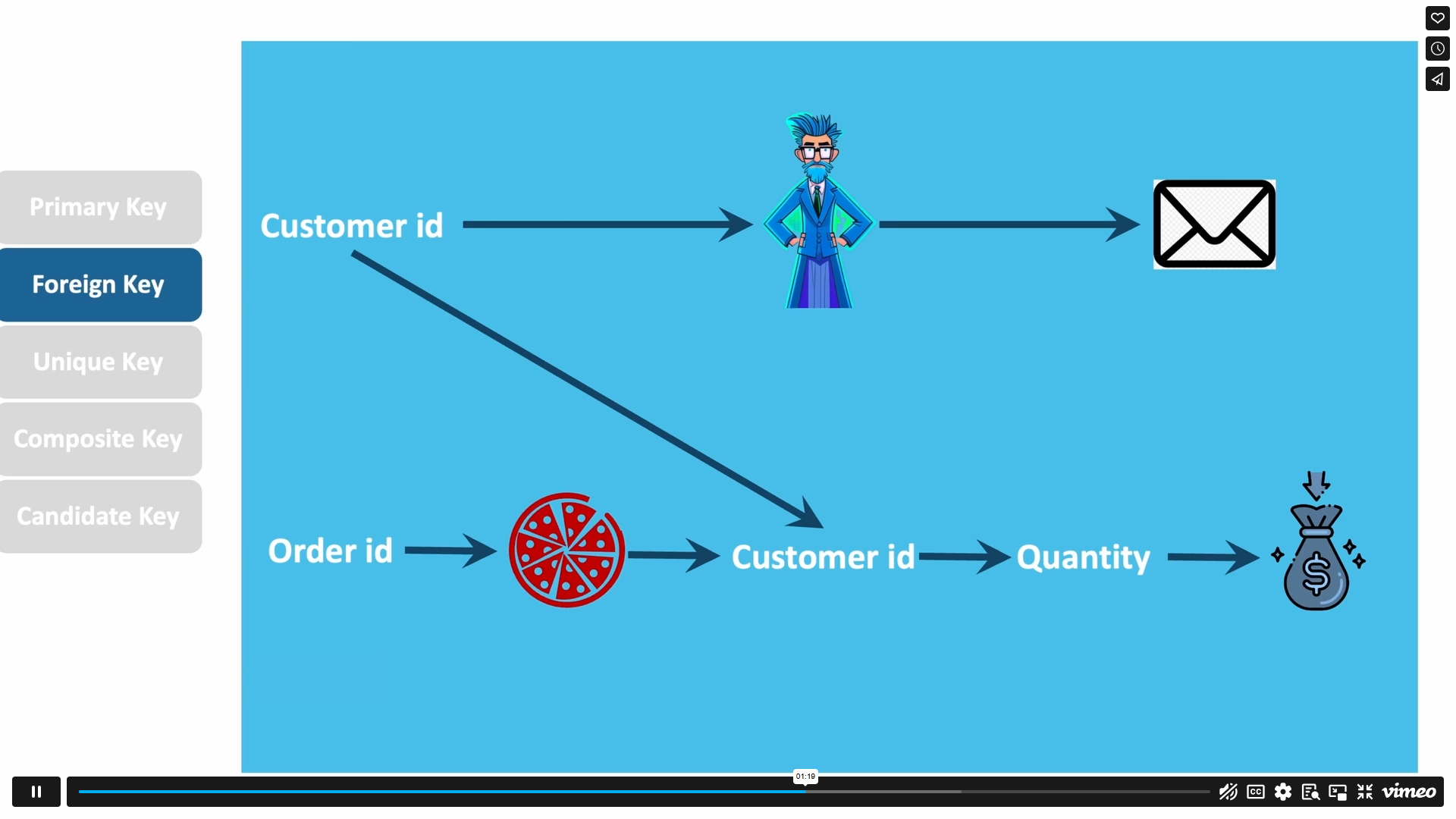
| 35 – Foreign Key | 00:02:00 | ||
| 36 – Unique Composite and Candidate Key | 00:05:00 | ||
| 37 – One to One Relationships | 00:03:00 | ||
| 38 – One to many Relationships | 00:02:00 | ||
| 39 – Many to Many Relationships | 00:03:00 | ||
| Section 6 - CRUD Operations | |||
| 40 – Creating a Sample Database | 00:05:00 | ||
| 41 – Create a Sample_Table | 00:06:00 | ||
| 42 – Creating DATA for our Table | 00:07:00 | ||
| 43 – Selecting Data CRUD Operations | 00:01:00 | ||
| 44 – Altering and Updating the Table and Table information | 00:05:00 | ||
| 45 – Deleting in SQL | 00:04:00 | ||
| Section 7 - Project and Select Statements | |||
| 46 – Importing Data to our MYSQL workbench | 00:04:00 | ||
| 47 – SELECT Everything | 00:03:00 | ||
| 48 – Selecting Multiple Columns | 00:05:00 | ||
| 49 – Select Distinct Values from a column or columns | 00:05:00 | ||
| 50 – Selecting info with WHERE Clause | 00:04:00 | ||
| 51 – Using Less than or Equal to with Where clause | 00:05:00 | ||
| 52 – Using WHERE clause with greater than or equals to | 00:03:00 | ||
| 53 – Where with AND criteria and Multiple criterion | 00:07:00 | ||
| 54 – WHERE and OR | 00:05:00 | ||
| 55 – WHERE and IN | 00:07:00 | ||
| 56 – Understanding Wild Cards in MYSQL | 00:06:00 | ||
| 57 – Wild Cards Situation Practice in MySQL workbench | 00:07:00 | ||
| Shortcomings and Operators of WHERE clause | 00:02:00 | ||
| Section 8 - Aggregations in MySQL | |||
| 57- Aggregation Section Introduction | 00:01:00 | ||
| 58 – Basic SUM | 00:07:00 | ||
| 59 – Aggregations with previous learnings and Complex Situations | 00:05:00 | ||
| 60 – Basic Count | 00:07:00 | ||
| 61 – Complex Counting | 00:04:00 | ||
| 62 – Average | 00:07:00 | ||
| 63 – MAX and MIN | 00:08:00 | ||
| Section 8.1 - Assignment | |||
| 1 – What is expected in this assignment | 00:01:00 | ||
| 2 – Assignment Solution walkthrough | 00:04:00 | ||
| Section 9 - GroupBy OrderBy and Having in MYSQL | |||
| 64 – Group by statement | 00:09:00 | ||
| 65 – GROUP BY in MYSQL Workbench | 00:07:00 | ||
| 66 – ORDER BY Statement | 00:06:00 | ||
| 67 – HAVING | 00:11:00 | ||
| Section 10 - Joins | |||
| 68 – What are Joins and Why we need them | 00:04:00 | ||
| 69 – Exploring the Dataset and CROSS Joins | 00:07:00 | ||
| 70 – Understanding Left Join | 00:06:00 | ||
| 71 – Practing Left Join with aggregations | 00:07:00 | ||
| 72 – RIGHT Join | 00:04:00 | ||
| 73 – RIGHT Join Example | 00:05:00 | ||
| 74 – Practicing Right Join – Multi join and Aggregations | 00:12:00 | ||
| 75 – Inner Join | 00:04:00 | ||
| 76 – Practicing INNER JOIN | 00:03:00 | ||
| 77 – Union | 00:06:00 | ||
| 78 – Union All | 00:02:00 | ||
| Section 11 - More Operators and NULL management | |||
| 79 – Between and AND | 00:02:00 | ||
| 80 – LIMIT | 00:03:00 | ||
| 80 – NOT BETWEEN | 00:02:00 | ||
| 81 – IS NOT NULL | 00:03:00 | ||
| 82 – IS NULL | 00:03:00 | ||
| Section 12 - CASE Statements | |||
| 83 – Understanding CASE Statements updated | 00:04:00 | ||
| 84 – Practicing Case Statement 1 | 00:14:00 | ||
| 85 – Case Statement 2 | 00:03:00 | ||
| 86 – Case Statement 3 | 00:03:00 | ||
| Section 13 - Subqueries | |||
| 87 – Introduction to SubQuery MYSQL | 00:02:00 | ||
| 88 – Scalar SubQuery – MYSQL | 00:03:00 | ||
| 89 – Practicing Scalar SubQuery – Q1 – MYSQL | 00:04:00 | ||
| 90 – Scalar SubQuery Q2 – MYSQL | 00:02:00 | ||
| 91 – Complex Sub-Query Using Joins and Multiple Tables – MYSQL | 00:13:00 | ||
| Section 14 - Window Functions | |||
| Introduction to Window Functions – updated | 00:06:00 | ||
£20
ex Vat
TAKE THIS COURSE
SAVE 84% - OFFER ENDS SOON
Or
96% OFF
Take all courses for £49
- Original price was: £125.00.£20.00Current price is: £20.00. ex Vat
- 1 year
- Intermediate
- Course Certificate
- 8 hours, 14 minutes Gift this course
Buying more than one of the same courses?
- 50% discount for orders of 10+ courses
- 60% discount for orders of 50+ courses
- 70% discount for orders of 100+ courses
Looking for a more personalised package?
contact us nowInstructors

11 STUDENTS ENROLLED