Microsoft PowerPoint 2021 Online Course – Beginner to Pro

0 (0 REVIEWS)
104 STUDENTS

GET THIS COURSE AND 2500+ OTHERS FOR ONLY £49 FIND OUT MORE

Microsoft PowerPoint is the world’s most popular presentation software, used in boardrooms, classrooms and sales meetings every day. Our Microsoft PowerPoint 2021 online course teaches you to build clear, visually appealing presentations that hold your audience’s attention and get your message across.

You will start with the PowerPoint 2021 interface and slide basics, then learn to format text and bullets, add images, icons and shapes, and style pictures like a designer. Later sections cover SmartArt graphics, tables and charts for presenting information visually, plus multimedia, transitions, animations and slideshow effects that bring your slides to life.

Great presentations win clients, impress managers and make ideas memorable. Whether you are preparing a business pitch, a class project or a training session, this PowerPoint 2021 course gives you the skills to present with confidence.

Key Features

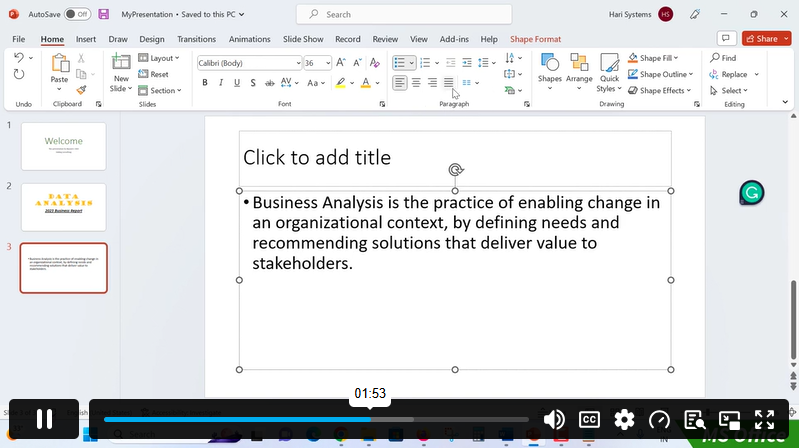
Sneak Peek

What You Will Learn in This PowerPoint 2021 Course

  • Navigate the PowerPoint 2021 interface, ribbon, views and slide layouts with ease
  • Create, organise and save professional presentations from scratch
  • Format text, bullets and numbered lists for clear, readable slides
  • Add images, icons, shapes and other graphic assets to your slides
  • Edit and style pictures with cropping, effects, borders and corrections
  • Turn ideas and processes into visuals using SmartArt graphics
  • Create and customise charts to present data with impact
  • Add audio and video to make presentations more engaging
  • Apply smooth slide transitions, including Morph
  • Animate text and objects to control how your story unfolds

Certification

  • Instant digital certificate issued upon completion
  • Printed certificate available (postage charges may apply)
  • Certification recommended for renewal every 3 years to maintain knowledge
Training-Express-Certificate-CPD-QS-1-1

Who Is This PowerPoint Course For?

This PowerPoint 2021 training is designed for anyone who wants to create and deliver better presentations:

  • Complete beginners who want to learn PowerPoint online from scratch
  • Students who need to create strong slides for assignments, projects and seminars
  • Teachers and trainers who want engaging lesson and training materials
  • Business professionals who present reports, proposals and updates to colleagues or clients
  • Sales and marketing teams who build pitch decks and product presentations
  • Entrepreneurs and freelancers who pitch ideas to investors and customers
  • Existing PowerPoint users who want to upgrade to PowerPoint 2021 features such as Morph and modern graphics

No prior experience is required. All you need is a computer with Microsoft PowerPoint 2021 or Microsoft 365.

Why Choose Our Microsoft PowerPoint 2021 Online Course?

  • Beginner to advanced in one course: one structured path covers everything from your first slide to animations and slideshow effects.
  • Learn at your own pace: study online anytime and revisit lessons whenever you need a refresher.
  • Up to date with PowerPoint 2021: includes modern features such as Morph transitions, icons and 3D models.
  • Design-focused lessons: learn how to make slides that look polished, not just functional.
  • Better presentation skills: communicate ideas clearly and confidently in meetings, classes and pitches.
  • Certificate of completion: show your new PowerPoint skills on your CV and LinkedIn profile.

Career Paths After Completing This PowerPoint 2021 Course

Strong presentation skills are valued in almost every profession. After finishing this Microsoft PowerPoint 2021 online course, you will be ready to pursue or grow in roles such as these:

  • Presentation Designer
  • Administrative / Executive Assistant
  • Sales Executive
  • Marketing Coordinator
  • Business Analyst

Course Curriculum

The detailed curriculum outline of our Microsoft PowerPoint 2021 Online Course – Beginner to Pro is as follows:

Get an overview of the course, what you will achieve and how to make the most of each lesson as you learn PowerPoint 2021 online.

Learn the PowerPoint 2021 interface, ribbon, views and Quick Access Toolbar. Create, open and save presentations, add slides and choose layouts and themes.

Format text with fonts, sizes, colours and alignment. Customise bullets, numbered lists, line spacing and text boxes for clean, readable slides.

Insert pictures, icons, shapes, 3D models and WordArt. Learn to arrange, align and group objects to build balanced slide layouts.

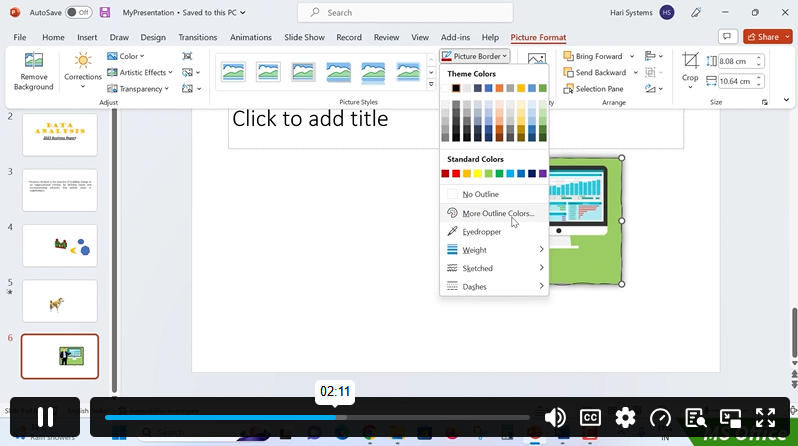
Style images like a designer. Crop, resize, remove backgrounds, apply picture styles, borders and effects, and adjust colour and brightness.

Turn plain text into professional diagrams. Use SmartArt to show processes, hierarchies, cycles and relationships, and customise their colours and styles.

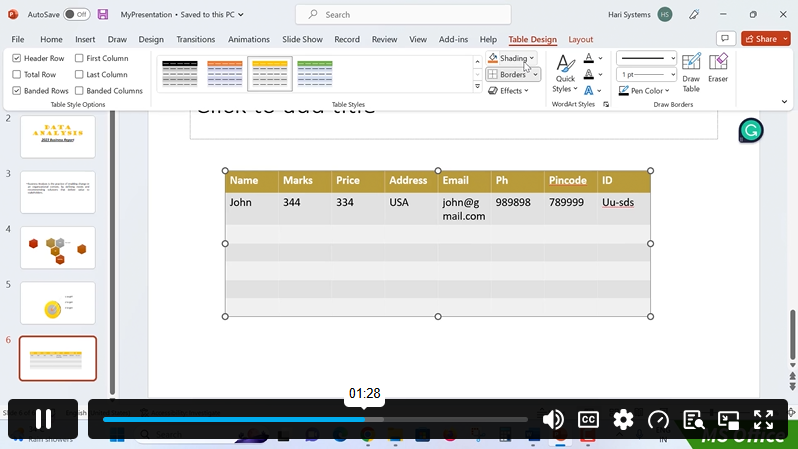
Insert, edit and format tables to present information clearly. Add rows and columns, merge cells and apply table styles that match your design.

Create column, bar, line and pie charts directly in PowerPoint. Edit chart data, change chart types and format elements so your data is easy to understand.

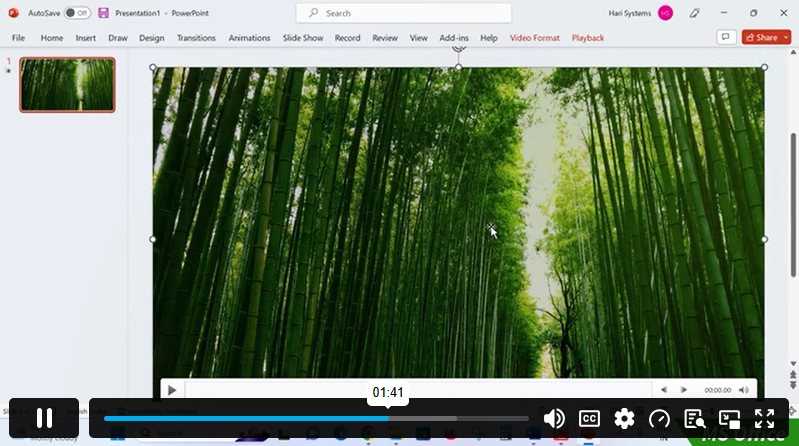
Add audio, video and screen recordings to your slides. Trim media, set playback options and make your presentations more engaging.

Apply slide transitions, including the popular Morph transition. Control speed, sound and timing for smooth, professional movement between slides.

Animate text and objects with entrance, emphasis, exit and motion path effects. Use the Animation Pane to set order, triggers and timing.

Prepare to present. Rehearse timings, use Presenter View, create custom slideshows, set up looping shows and deliver your presentation with confidence.

Frequently Asked Questions

Is this Microsoft PowerPoint 2021 online course suitable for beginners?

Yes. The course starts with the basics and builds step by step, so you need no previous PowerPoint experience.

Which version of PowerPoint do I need?

You need Microsoft PowerPoint 2021 or Microsoft 365. Most lessons also apply to PowerPoint 2019 and 2016, though a few newer features may not be available in older versions.

Will I learn animations and transitions?

Yes. This course covers slide transitions, including Morph, and Section 11 teaches you to animate text and objects with full control over timing and order.

Can I add videos and audio to my presentations?

Yes. This course will show you how to insert, trim and control audio and video, as well as screen recordings.

How long does it take to complete the course?

The course is self-paced, so you can finish it in a few weeks or take longer to fit your schedule.

Will I receive a certificate?

Yes. You receive a certificate of completion once you finish the course.

Course Curriculum

Section 01: PowerPoint 2021: Course Introduction
Overview 00:04:00
Start PowerPoint Presentation 00:05:00
Screen setting and Views 00:05:00
Section 02: PowerPoint 2021: Basics
Presentation Tips and Guidelines 00:06:00
Creating a New Presentation 00:04:00
Working with Slides 00:04:00
Save a Presentation 00:04:00
Print Slides 00:03:00
Section 03: PowerPoint 2021: Text and Bullet Options
Formatting Text 00:06:00
Slide Text Alignments 00:03:00
Multi-Column Text Alignments 00:02:00
Adding Bullets and Numbered List Items 00:03:00
Section 04: PowerPoint 2021: Adding Graphic Assets
Insert Shapes 00:03:00
Insert Icons 00:03:00
Insert Graphics 00:04:00
Add 3D Models 00:03:00
Insert Pictures 00:03:00
Section 05: PowerPoint 2021: Picture Formatting
Picture Options 00:04:00
Picture Cropping 00:03:00
Applying Built-in Picture Styles 00:04:00
Section 06: PowerPoint 2021: SmartArt Graphics
Add SmartArt Graphic 00:03:00
Modifying SmartArt 00:03:00
Creating a Target Chart using SmartArt 00:03:00
Section 07: PowerPoint 2021: Working with Tables
Create a Table on Slide 00:04:00
Formatting Tables 00:02:00
Inserting Tables 00:02:00
Table Layouts 00:01:00
Section 08: PowerPoint 2021: Working with Charts
Add a Chart 00:02:00
Formatting Charts 00:02:00
Insert Chart from Microsoft Excel 00:03:00
Section 09: PowerPoint 2021: Adding Multimedia
Adding Video to a Presentation 00:03:00
Adding Audio to a Presentation 00:02:00
Screen Recording and Adding 00:02:00
Section 10: PowerPoint 2021: Working with Transition
Applying Transitions to Presentation 00:04:00
Section 11: PowerPoint 2021: Animation
Object Animation 00:03:00
Effect Options 00:02:00
Advanced Animation 00:02:00
Triggers to control animation 00:02:00
Section 12: PowerPoint 2021: Slideshow Effects
Onscreen Presentation 00:02:00
Hiding Slides 00:02:00
Changing Order of Slides 00:02:00
Copying Slides 00:02:00
Microsoft PowerPoint 2021 Online Course – Beginner to Pro
ex Vat

SAVE 84% - OFFER ENDS SOON

TAKE THIS COURSE

Or

  • Original price was: £125.00.Current price is: £20.00. ex Vat
  • 1 year
  • Course Badge
  • Course Certificate
  • 2 hours, 9 minutes
  • Gift this course
£20 /Unit Price
Total:
£100.00
Quantity:

Buying more than one of the same courses?

  • 50% discount for orders of 10+ courses
  • 60% discount for orders of 50+ courses
  • 70% discount for orders of 100+ courses

Looking for a more personalised package?

contact us now

Instructors

104 STUDENTS ENROLLED