Food Hygiene
 Health & Safety
 Safeguarding
 First Aid
 Business Skills
 Personal Development

Course Curriculum
| Introduction | |||
| Introduction | 00:01:00 | ||
| Using Advanced IF Statements | |||
| Summarize Data with SUMIF | 00:04:00 | ||
| Summarize Data with AVERAGIF | 00:03:00 | ||
| Summarize Data with COUNTIF | 00:02:00 | ||
| Using Advanced Lookup Functions | |||
| Using VLOOKUP with TRUE to find an Approximate Match | 00:04:00 | ||
| Using HLOOKUP TRUE to find an Approximate Match | 00:01:00 | ||
| Using the Index Function | 00:03:00 | ||
| Using the Match Function | 00:02:00 | ||
| Creating a Combined Index and Match Formula | 00:04:00 | ||
| Comparing Two Lists with VLOOKUP | 00:02:00 | ||
| Comparing Two Lists with VLOOKUP and ISNA | 00:04:00 | ||
| Using Complex Logical and Text Functions | |||
| Creating a Nested IF Function | 00:03:00 | ||
| Using the IFERROR Function | 00:02:00 | ||
| Using the LEN Function | 00:02:00 | ||
| Using the TRIM Function | 00:01:00 | ||
| Using the Substitute Function | 00:02:00 | ||
| Formula Auditing | |||
| Showing Formulas | 00:01:00 | ||
| Tracing Cell Precedents and Dependents | 00:03:00 | ||
| Adding a watch Window | 00:02:00 | ||
| Error Checking | 00:02:00 | ||
| What-If Analysis Tools | |||
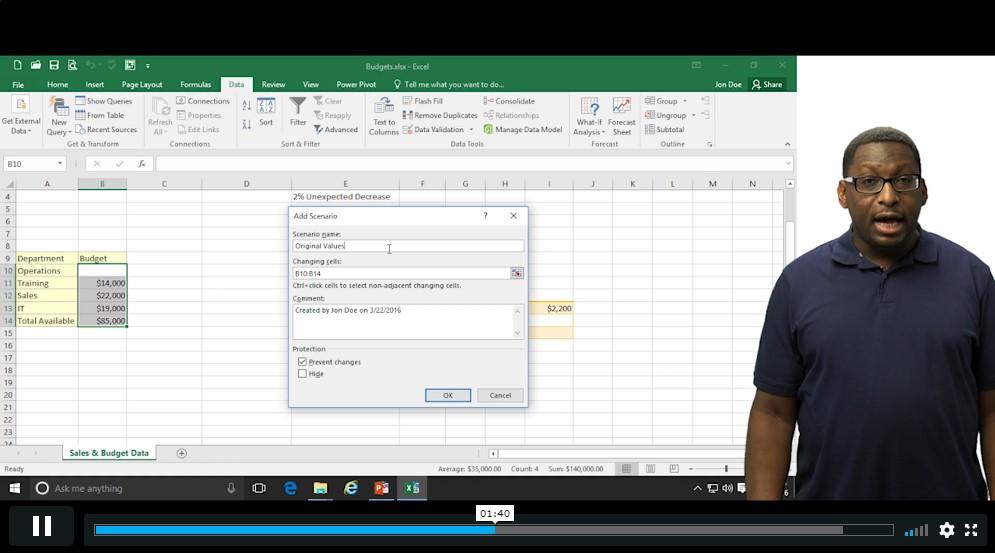
| Using the Scenario Manager | 00:03:00 | ||
| Using Goal Seek | 00:02:00 | ||
| Analyzing with Data Tables | 00:02:00 | ||
| Worksheet and Workbook Protection | |||
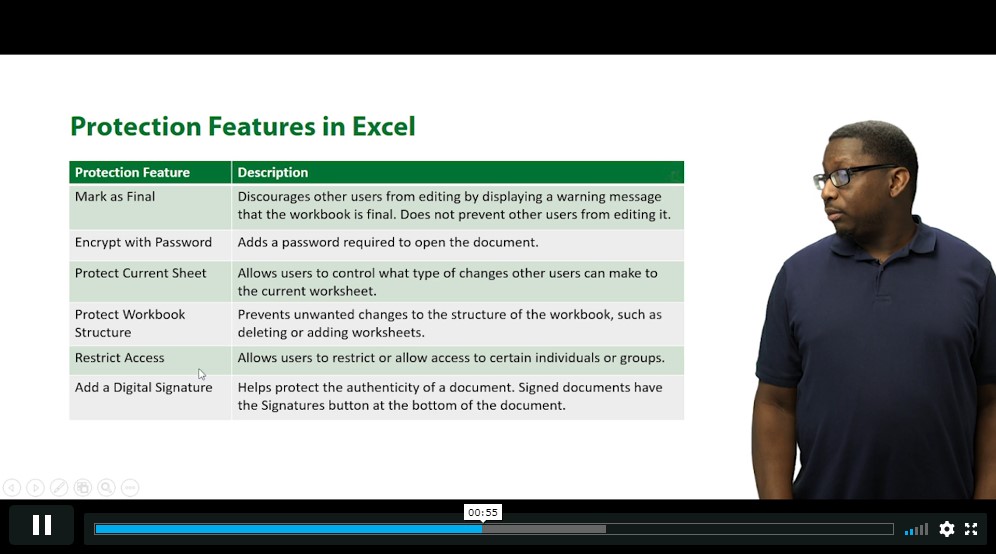
| Protection Overview | 00:02:00 | ||
| Excel File Password Encryption | 00:03:00 | ||
| Allowing Specific Worksheet Changes | 00:01:00 | ||
| Adding Protection to only Certain Cells in a Worksheet | 00:03:00 | ||
| Additional Protection Features | 00:02:00 | ||
| Advanced Use of PivotTables and PowerPivot | |||
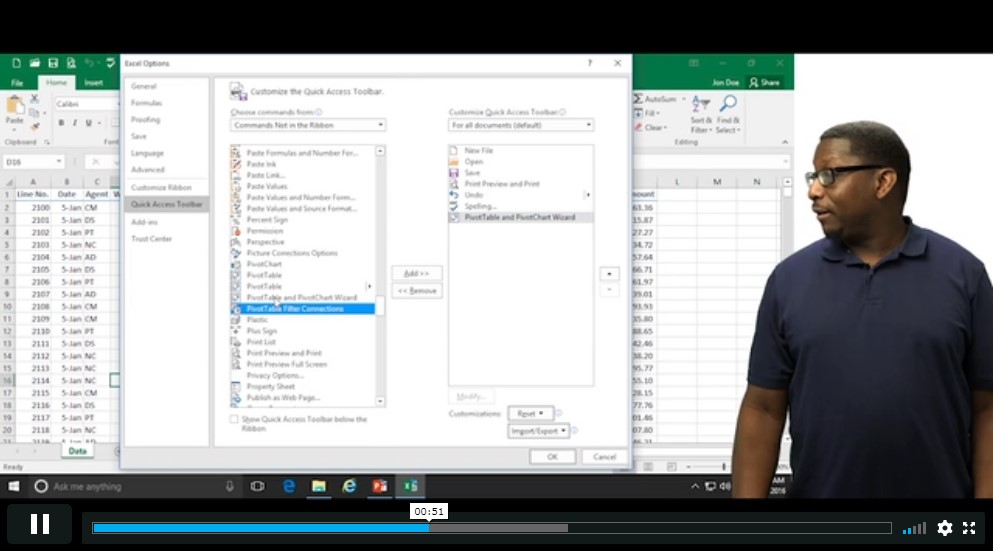
| Using the Pivot Tables Charts Wizard | 00:02:00 | ||
| Adding a Calculated Field | 00:02:00 | ||
| Adding a Caculated Item | 00:02:00 | ||
| Apply Conditional Formatting to a Pivot Table | 00:03:00 | ||
| Using Filters in the Pivot Table Fields Pane | 00:02:00 | ||
| Creating Filter Pages for a Pivot Table | 00:01:00 | ||
| Enabling a Power Pivot Add In | 00:04:00 | ||
| Automating with Macros | |||
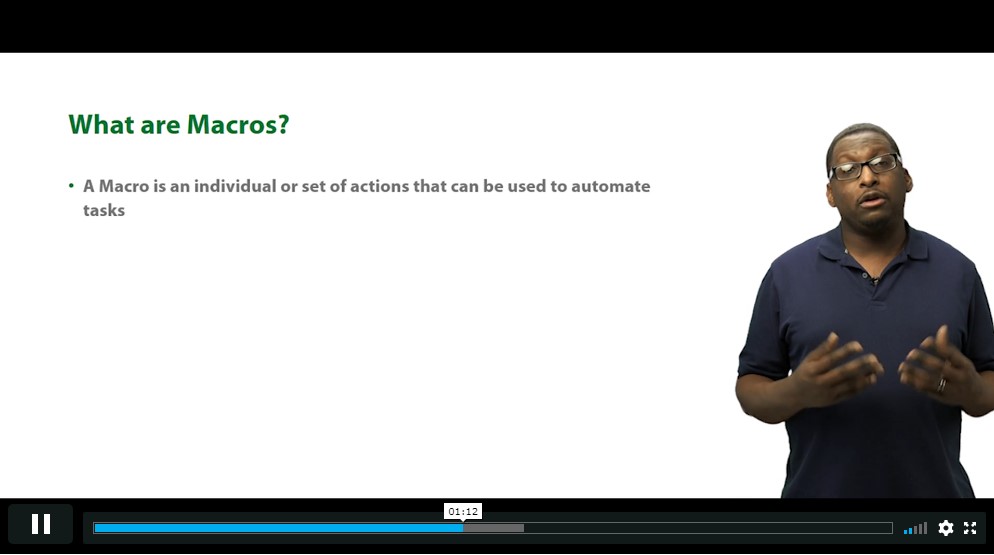
| What are Macros | 00:03:00 | ||
| Displaying the Developer Tab and Enabling Macros in Excel | 00:03:00 | ||
| Creating a Basic Formatting Macro | 00:03:00 | ||
| Running a Macro | 00:02:00 | ||
| Assigning a Macro to a Button | 00:02:00 | ||
| Creating a More Complex Macro | 00:02:00 | ||
| Viewing and Editing the VBA Code for an Existing Macro | 00:03:00 | ||
| Adding a Macro to the Quick Access Toolbar | 00:02:00 | ||
| Working with Form Controls | |||
| What are Form Controls | 00:02:00 | ||
| Adding Spin Buttons and Check Boxes to a Spreadsheet | 00:02:00 | ||
| Adding a Combo Box to a Spreadsheet | 00:02:00 | ||
| Ensuring Data Integrity | |||
| What is Data Validation | 00:01:00 | ||
| Restricting Data Entries to Whole Numbers | 00:02:00 | ||
| Data Validation Restricting Data Entry to a List | 00:01:00 | ||
| Data Validation Restricting Data Entry to a Date | 00:01:00 | ||
| Data Validation Restricting Data Entry to Different Text Lengths | 00:01:00 | ||
| Composing Input Messages | 00:02:00 | ||
| Composing Error Alters | 00:02:00 | ||
| Finding Invalid Data | 00:02:00 | ||
| Editing and Deleting Data Validation Rules | 00:01:00 | ||
| Collaborating in Excel | |||
| Working with Comments | 00:03:00 | ||
| Printing Comments and Errors | 00:02:00 | ||
| Sharing a Workbook | 00:03:00 | ||
| Tracking Changes in a Workbook | 00:03:00 | ||
| Working with Versions | 00:02:00 | ||
| Sharing Files via Email | 00:02:00 | ||
| Importing and Exporting Data to a Text File | |||
| Importing a Text File | 00:03:00 | ||
| Exporting a Text File | 00:01:00 | ||
| Conclusion | |||
| Course Recap | 00:01:00 | ||
Course Ratings
No Ratings found for this course.
£0
ex Vat
PRIVATE COURSESAVE 0% - OFFER ENDS SOON
Or
96% OFF
Take all courses for £49
- PRIVATE
- 1 year
- Advance
- Course Certificate
- 2 hours, 21 minutes
Buying more than one of the same courses?
- 50% discount for orders of 10+ courses
- 60% discount for orders of 50+ courses
- 70% discount for orders of 100+ courses
Looking for a more personalised package?
contact us nowInstructors

21 STUDENTS ENROLLED