DSE Training (Display Screen Equipment) Level 2

4.9 (18 REVIEWS)
253 STUDENTS

GET THIS COURSE AND 2500+ OTHERS FOR ONLY £49 FIND OUT MORE

Display Screen Equipment (DSE) training is essential in today’s digital workplace, where prolonged screen use can impact both physical health and productivity. This course introduces key principles of ergonomics, workstation setup, and safe screen usage, helping learners understand how to reduce risks associated with desk-based roles.

Learners will gain knowledge on optimising their work environment, improving posture, and managing screen time effectively. The course also explores visual ergonomics, mental wellbeing, and efficient digital workflows, ensuring a well-rounded understanding of safe and productive working practices.

By the end of this course, learners will be equipped with essential skills to minimise discomfort, prevent long-term health issues, and enhance performance in any screen-based role.

Sneak Peek

Learning Outcomes

  • Understand ergonomic principles for safe workstation setup
  • Identify risks linked to prolonged screen use and poor posture
  • Apply techniques to reduce eye strain and visual fatigue
  • Manage breaks effectively to improve focus and wellbeing
  • Use digital tools efficiently to minimise repetitive strain
  • Improve overall health habits for sustained productivity

Certification

  • Instant digital certificate available upon completion
  • Printed certificate can be ordered for an additional shipping fee
  • Certificates can support CV enhancement and career progression
Training-Express-Certificate-CPD-QS-1-1

Accreditation

This course is CPD accredited, ensuring it meets recognised standards for professional development.

Who is this Course For

  • Office workers using computers for extended periods
  • Remote and hybrid employees
  • Individuals seeking to improve workplace ergonomics
  • Employers aiming to promote health and safety compliance
  • Beginners with no prior knowledge of DSE practices

Career Path / Opportunities

This course supports professional development in various roles, including:

  • Administrative Assistant – £20,000 to £28,000 per year
  • Office Manager – £25,000 to £40,000 per year
  • Health and Safety Assistant – £22,000 to £35,000 per year
  • HR Assistant – £23,000 to £32,000 per year
  • Customer Service Executive – £20,000 to £30,000 per year

Career Progression Routes

  • Start in administrative or office-based roles
  • Progress to senior administrative or supervisory positions
  • Move into health and safety or workplace compliance roles
  • Advance into management or specialist wellbeing positions

Practical Details

  • Course Access: Lifetime
  • Study Method: Online, self-paced
  • Assessment: Final assessment with the opportunity to retake
  • Device Requirements: Internet-enabled device (PC, tablet, or smartphone)

Course Curriculum

The detailed curriculum outline of our DSE Training (Display Screen Equipment) Level 2 Course is as follows:

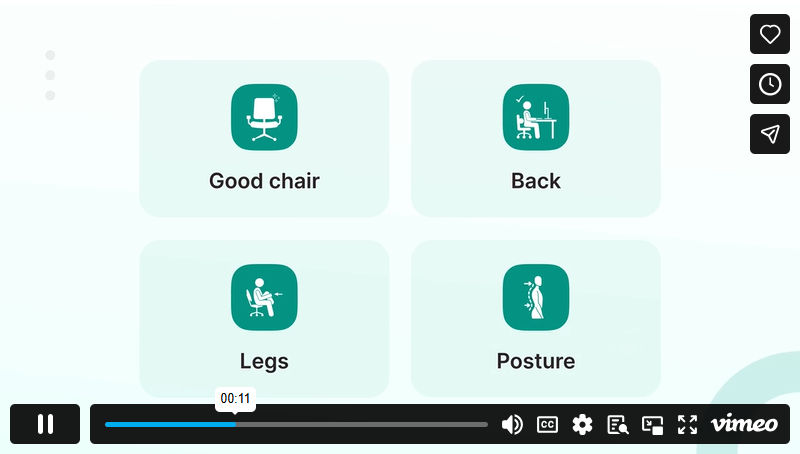
Learn how to design an ergonomic workstation that supports comfort and efficiency. This module covers workstation setup, chair adjustments, and environmental considerations.

Explore how to optimise screen settings and positioning to protect eye health and reduce visual strain.

Understand the importance of regular breaks and how mental wellbeing is affected by screen-based work

Learn best practices for working safely with laptops, tablets, and mobile devices in hybrid and remote settings.

Discover how to work smarter with digital tools while reducing repetitive strain and improving efficiency.

Learn how to maintain physical and mental wellbeing alongside screen-based work.

FAQs

What is DSE training?

DSE training focuses on safe use of display screen equipment, helping reduce health risks such as eye strain, back pain, and repetitive strain injuries.

Do I need prior experience to take this course?

No prior experience is required. The course is suitable for beginners and professionals alike.

How long does it take to complete the course?

The course duration varies depending on your pace, but most learners complete it within a few days to a few weeks.

What certificate will I receive?

ou will receive a CPD-accredited certificate upon successful completion of the course.

Is this course suitable for remote workers?

Yes, the course includes guidance specifically designed for remote and hybrid working environments.

Why is DSE training important?

It helps prevent workplace injuries, improves comfort, and enhances productivity when working with screens regularly.

Course Curriculum

Module 01: Ergonomic Principles and Workstation Design
1. Introduction 00:01:00
1.1. Ergonomic Principles and Workstation Design 00:01:00
1.1.1. Workstation Components and Adjustment Techniques 00:01:00
1.1.2. Ergonomic Risk Factors and Musculoskeletal Impact 00:01:00
1.1.3. Task Chair Configuration and Foot Support 00:01:00
1.1.4. Peripheral Placement and Repetitive Strain Prevention 00:01:00
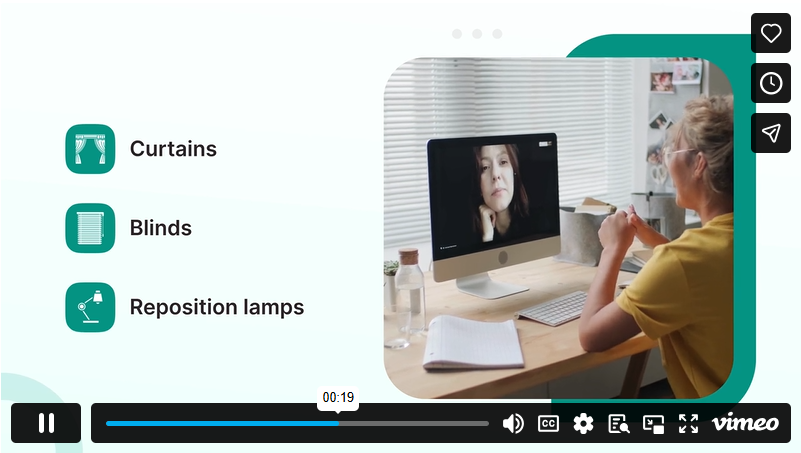
1.1.5. The Role of Environmental Factors (Lighting, Noise, Temperature) 00:01:00
Reading Materials
Ergonomic Principles and Workstation Design 00:00:00
Module 02: Visual Ergonomics and Screen Setup
2.1. Visual Ergonomics and Screen Setup 00:01:00
2.1.1. Eye-Level Positioning and Viewing Distance 00:01:00
2.1.3. Glare Control and Anti-Reflective Measures 00:01:00
2.1.4. Vision Break Techniques and Blue Light Exposure 00:01:00
2.1.5. Visual Fatigue Symptoms and Reporting Procedures 00:01:00
Reading Materials
Visual Ergonomics and Screen Setup 00:00:00
Module 03: Break Management and Mental Wellbeing
3.1. Break Management and Mental Wellbeing 00:01:00
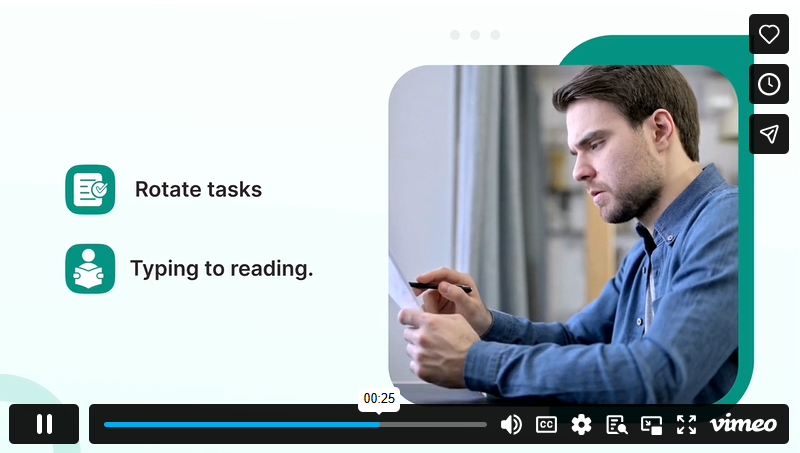
3.1.1. Planning Microbreaks and Rotation Strategies 00:01:00
3.1.2. Mental Load and Screen Time Effects 00:01:00
3.1.3. Activity Switching and Posture Diversity 00:01:00
3.1.4. Stress Signals and Cognitive Fatigue 00:01:00
3.1.5. Workplace Design for Mental Health 00:01:00
Reading Materials
Break Management and Mental Wellbeing 00:00:00
Module 04: Safe Use of Mobile and Hybrid Work Equipment
4.1. Safe Use of Mobile and Hybrid Work Equipment 00:01:00
4.1.1. Laptop Ergonomics for Non-Desk Use 00:01:00
4.1.2. Transporting Equipment and Load Management 00:01:00
4.1.3. Temporary Workstations and Agile Setups 00:01:00
4.1.4. Phone and Tablet Use in Professional Settings 00:01:00
4.1.5. Employer Responsibilities for Remote DSE Users 00:01:00
Reading Materials
Safe Use of Mobile and Hybrid Work Equipment 00:00:00
Module 05: Digital Workflow Efficiency and Ergonomic Practices
5.1 Digital Workflow Efficiency and Ergonomic Practices 00:01:00
5.1.1 Shortcut Keys and Input Optimisation 00:01:00
5.1.2 File Organisation to Minimise Repetitive Actions 00:02:00
5.1.3 Reducing Multi-Window Fatigue 00:02:00
5.1.4 Ergonomic Email and Messaging Habits 00:02:00
5.1.5 Automating Routine Digital Tasks 00:02:00
Reading Materials
Digital Workflow Efficiency and Ergonomic Practices 00:00:00
Module 06: Personal Health Integration for Screen Workers
6.1 Personal Health Integration for Screen Workers 00:01:00
6.1.1 Hydration Strategies for Sustained Focus 00:01:00
6.1.2 Nutritional Timing to Support Alertness 00:01:00
6.1.3 Desk-Based Micro-Stretches 00:01:00
6.1.4 Breathing Techniques for Calm and Concentration 00:01:00
6.1.5 Sleep Hygiene for Optimal Screen Recovery 00:01:00
Reading Materials
Personal Health Integration for Screen Workers 00:00:00
Conclusion
Conclusion 00:01:00
DSE Training (Display Screen Equipment) Level 2
ex Vat

SAVE 84% - OFFER ENDS SOON

TAKE THIS COURSE

OR

🔥 83 units sold in last 24 hours
  • Original price was: £125.00.Current price is: £20.00. ex Vat
  • 1 year
  • Course Certificate
  • 41 minutes
  • Gift this course
£20 /Unit Price
Total:
£100.00
Quantity:

Buying more than one of the same courses?

  • 50% discount for orders of 10+ courses
  • 60% discount for orders of 50+ courses
  • 70% discount for orders of 100+ courses

Looking for a more personalised package?

contact us now

Instructors

253 STUDENTS ENROLLED