Food Hygiene
 Health & Safety
 Safeguarding
 First Aid
 Business Skills
 Personal Development

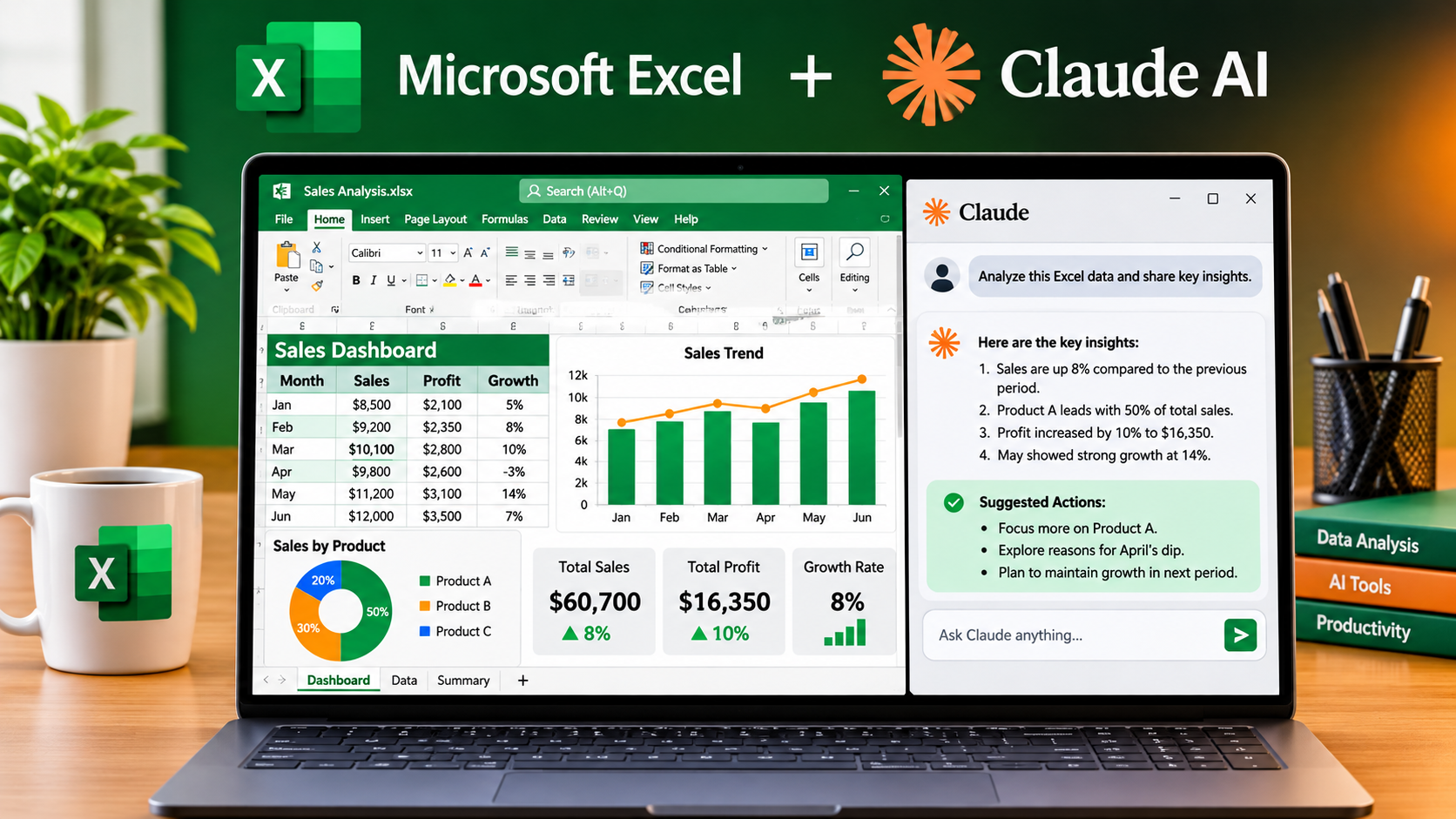

Course Curriculum
| Module 01: Introduction to AI-Powered Microsoft Excel | |||
| Introduction to the Course | 00:03:00 | ||
| 1.1 Understanding the Role of Artificial Intelligence in Microsoft Excel | 00:03:00 | ||
| 1.2 Why Integrate AI into Everyday Excel Workflows | 00:03:00 | ||
| 1.3 How AI Transforms Spreadsheet Management and Data Analysis | 00:03:00 | ||
| 1.4 Exploring Practical Applications of AI in Excel Based Tasks | 00:02:00 | ||
| Course project workbook | 00:00:00 | ||
| Module 02: Working with Claude AI and Excel | |||
| 2.1 Understanding Claude AI s Capabilities for Microsoft Excel | 00:04:00 | ||
| 2.2 Uploading Excel Workbooks and Interacting with Spreadsheet Data | 00:03:00 | ||
| 2.3 Writing Effective Prompts for Excel Tasks and Calculations | 00:04:00 | ||
| 2.4 Using Claude to Analyse, Generate and Improve Excel Workbooks | 00:03:00 | ||
| Prompt cheat sheet | 00:00:00 | ||
| Module 03: Generating Excel Formulas and Functions with Claude | |||
| 3.1 Generating Essential Mathematical and Statistical Formulas Using Claude | 00:03:00 | ||
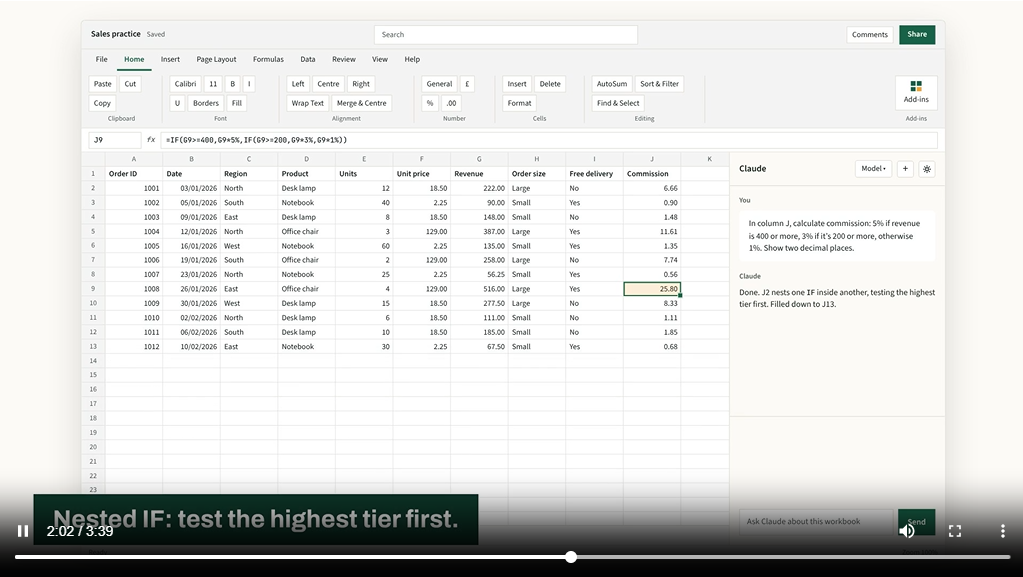
| 3.2 Creating Conditional Formulas Using IF, AND, OR and Nested Functions | 00:04:00 | ||
| 3.3 Generating Lookup Formulas Using VLOOKUP and XLOOKUP | 00:03:00 | ||
| 3.4 Explaining, Troubleshooting and Optimising Existing Excel Formulas | 00:04:00 | ||
| Formula practice answer key | 00:00:00 | ||
| Formula practice | 00:00:00 | ||
| Module 04: Cleaning and Organising Excel Data with Claude | |||
| 4.1 Identifying Duplicate, Missing and Inconsistent Spreadsheet Records | 00:03:00 | ||
| 4.2 Using Claude to Clean and Standardise Excel Datasets | 00:03:00 | ||
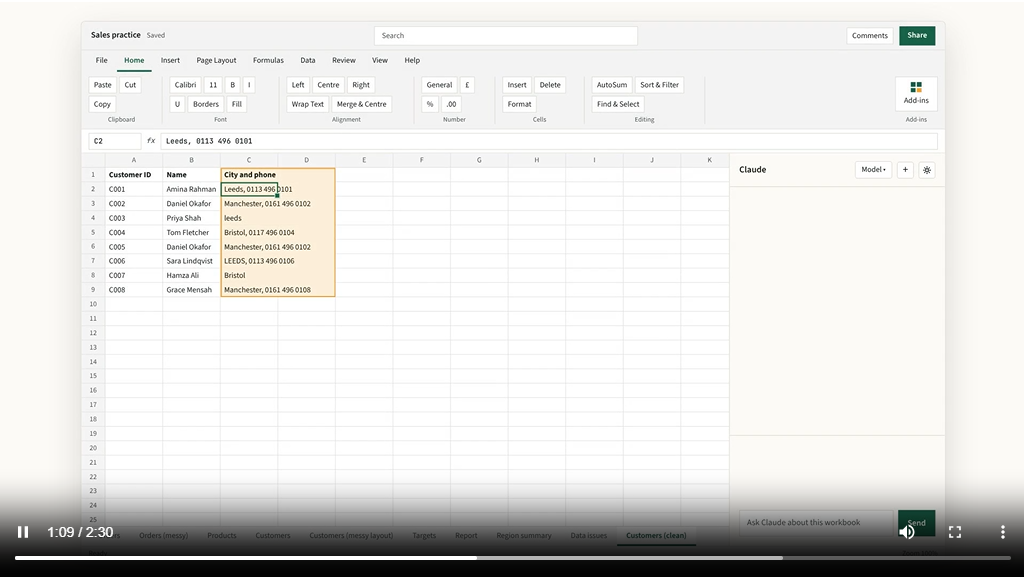
| 4.3 Correcting Formatting Issues and Transforming Unstructured Data | 00:03:00 | ||
| 4.4 Organising and Improving Spreadsheet Data Using AI | 00:02:00 | ||
| Messy customer list | 00:00:00 | ||
| Module 05: Analysing Excel Data with Claude AI | |||
| 5.1 Analysing Spreadsheet Data and Generating Business Insights | 00:03:00 | ||
| 5.2 Identifying Trends, Patterns and Anomalies Using Claude | 00:03:00 | ||
| 5.3 Performing Sales, Financial and Performance Analysis | 00:05:00 | ||
| 5.4 Generating Summary Tables and Data Driven Recommendations | 00:04:00 | ||
| Module 06: Creating Charts and Reports Using Claude | |||
| 6.1 Selecting Appropriate Charts and Visualisations with Claude | 00:04:00 | ||
| 6.2 Generating and Improving Excel Charts Using AI Assistance | 00:03:00 | ||
| 6.3 Creating Summary Reports and Presenting Spreadsheet Findings | 00:04:00 | ||
| 6.4 Producing Business Insights and Professional Reports with Claude | 00:03:00 | ||
| Module 07: Practical AI-Powered Excel Project | |||
| 7.1 Analysing an Existing Business Workbook Using Claude | 00:04:00 | ||
| 7.2 Generating Formulas and Cleaning Spreadsheet Data with AI | 00:04:00 | ||
| 7.3 Creating Data Summaries, Charts and Performance Reports | 00:04:00 | ||
| 7.4 Validating and Presenting the Completed Excel Project | 00:05:00 | ||
| Change log template | 00:00:00 | ||
| Q3 Sales project | 00:00:00 | ||
| Materials | |||
| Final project brief and rubric | 00:00:00 | ||
| Final project instructor key | 00:00:00 | ||
| Formula practice answer key | 00:00:00 | ||
| Prompt cheat sheet | 00:00:00 | ||
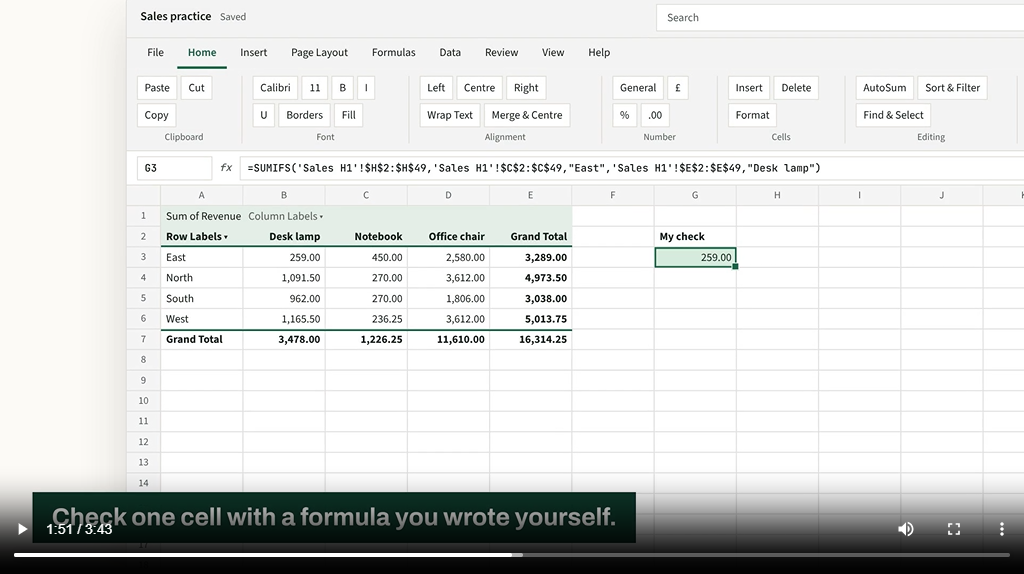
| Verification checklist | 00:00:00 | ||

£20
ex Vat
TAKE THIS COURSE
SAVE 84% - OFFER ENDS SOON
Or
96% OFF
Take all courses for £49
- Original price was: £125.00.£20.00Current price is: £20.00. ex Vat
- 1 year
- Intermediate
- Course Certificate
- 1 hour, 39 minutes Gift this course
Buying more than one of the same courses?
- 50% discount for orders of 10+ courses
- 60% discount for orders of 50+ courses
- 70% discount for orders of 100+ courses
Looking for a more personalised package?
contact us nowInstructors

35 STUDENTS ENROLLED